Turn a real code change into a ready-to-run, repeatable interview in minutes.
Import a diff and prepare one reusable template. Create an isolated session for each candidate without repository access, setup scripts, or cleanup.
Personal accounts are always free — no credit card required.
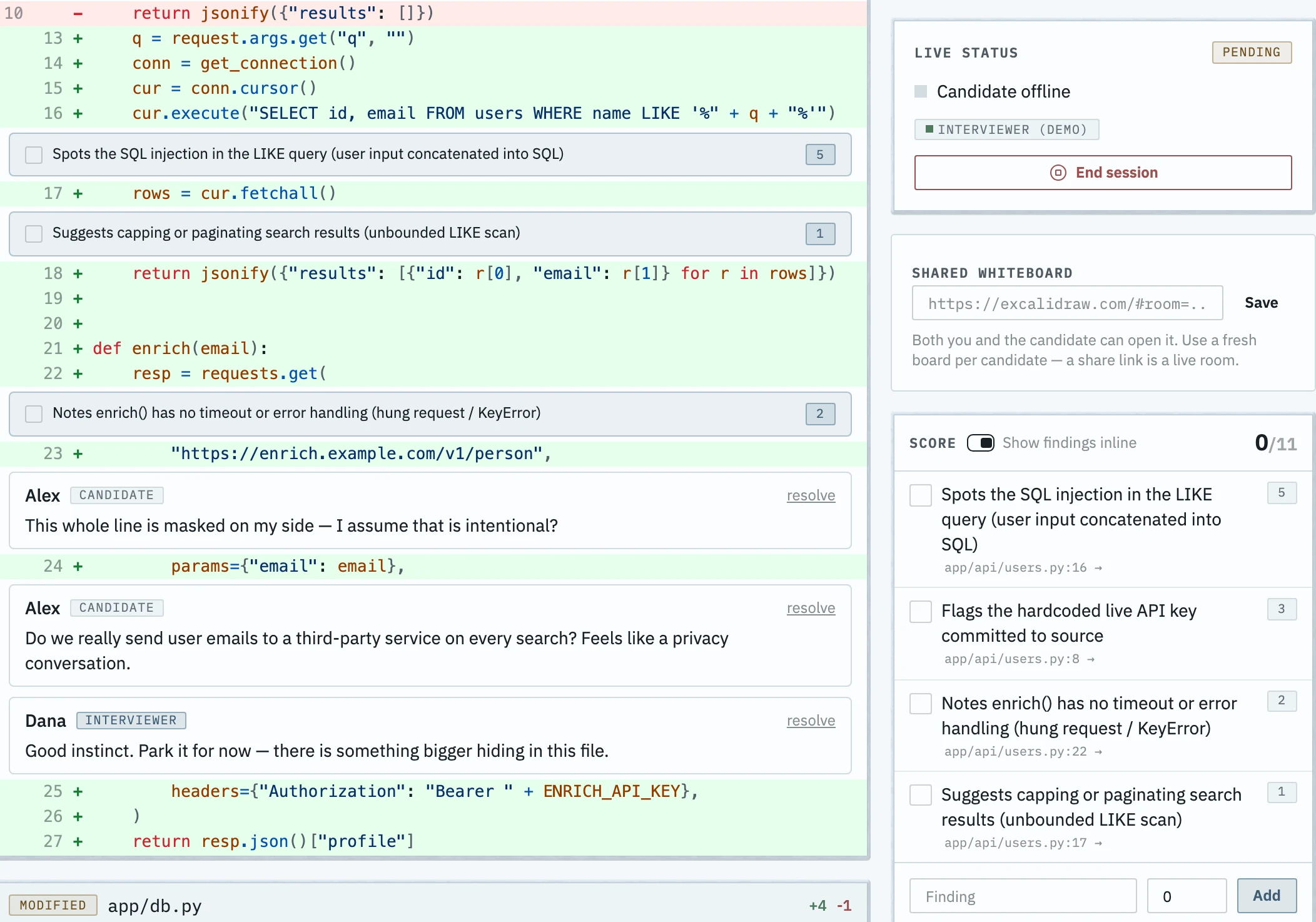
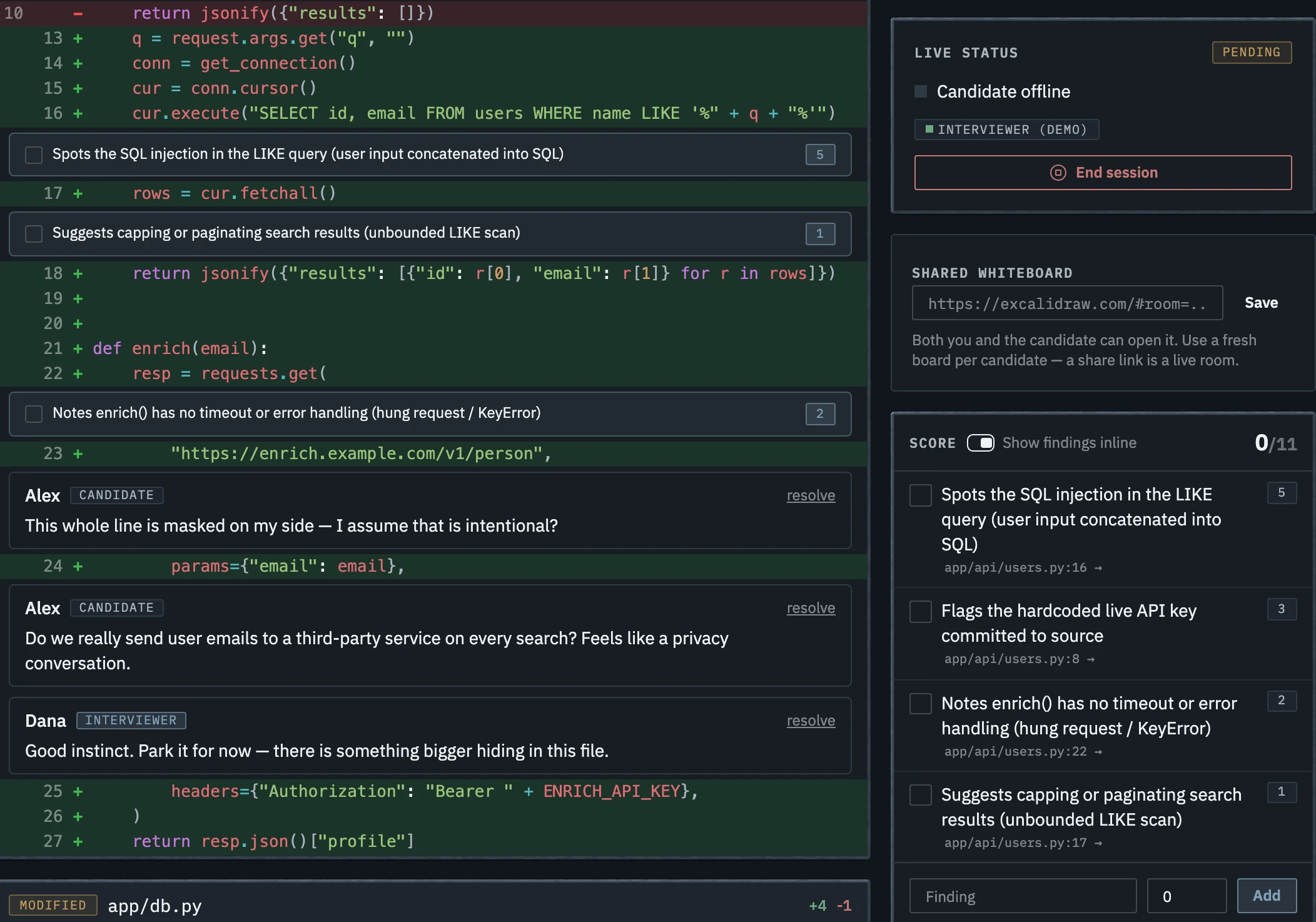
See the real product: diff to live interview
Real screens, about a minute. An interviewer imports a diff, prepares one reusable template, and creates a candidate session. The candidate joins from a link — no account — and the comment lands in the cockpit live.
Create one template. Run one session per candidate.
-
1
Create the template
Paste or upload a Git diff. Add the candidate-view description, redactions, expected findings, scores, private notes, and simulated checks. Frimbim saves this preparation as a reusable template.
-
2
Create a candidate session
Create an isolated session from the template. The candidate opens a private link, chooses a display name, and reviews the diff without an account or repository access.
-
3
Run the interview
Candidate comments appear in the cockpit when they are posted. Mark expected findings, add scores, and complete the evaluation before you archive the session.
What each side sees
The cockpit and candidate view show the same session. Interviewer-only material is never sent to the candidate's browser.
The candidate experience
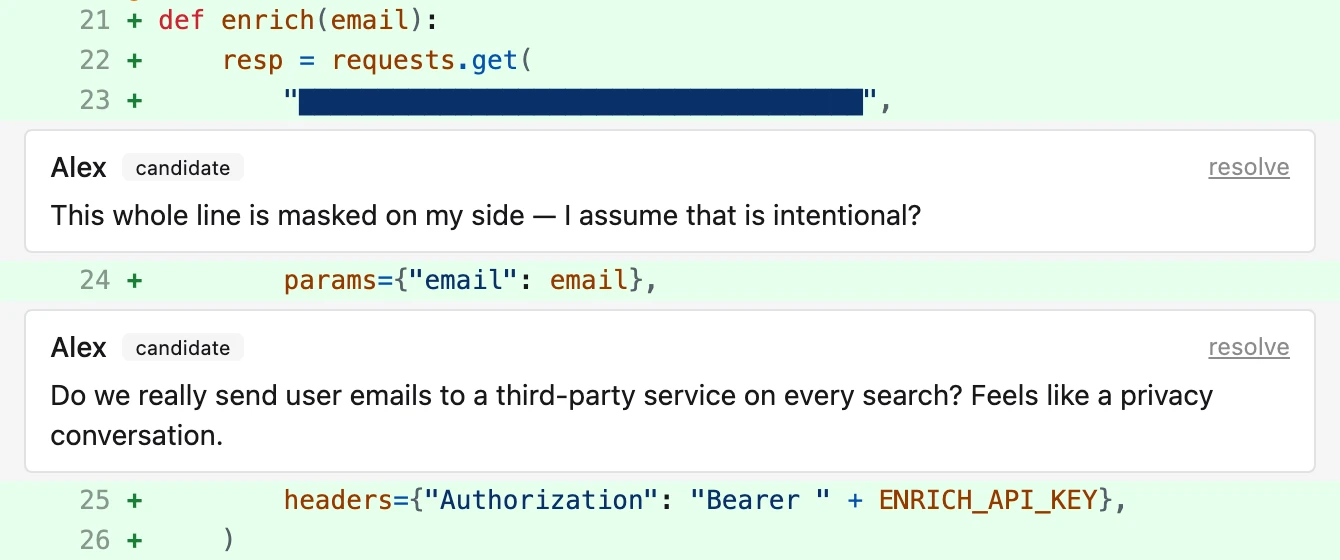
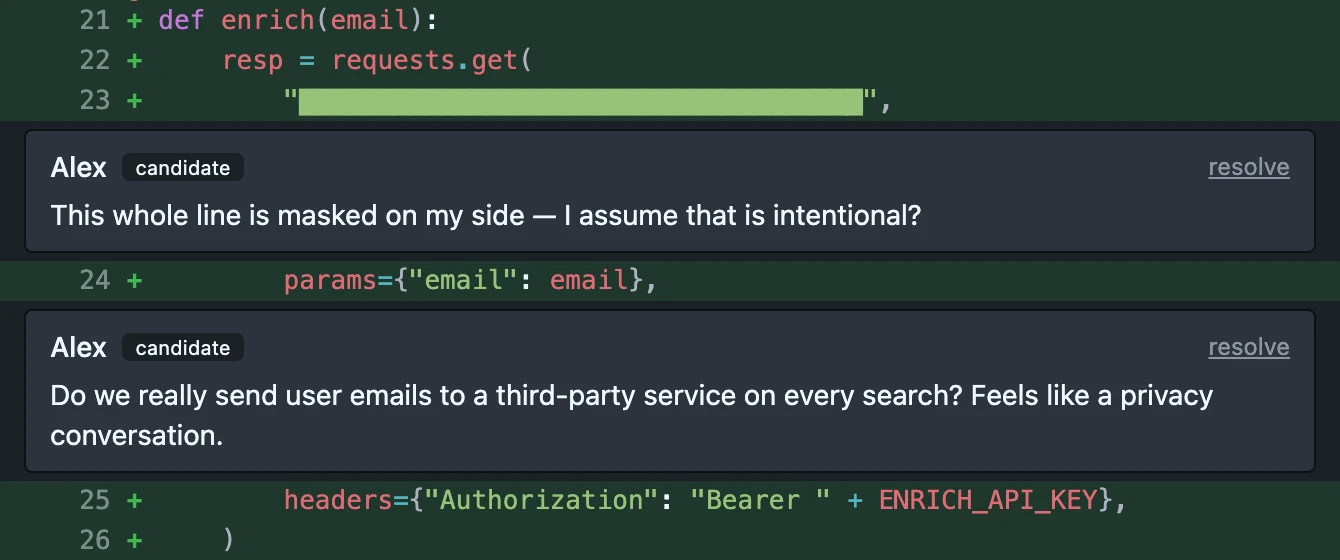
- A PR-style diff — file tree, description, checks
- Inline comments on exact lines
- Independent navigation, at their own pace
- No account — just a private link
The interviewer cockpit
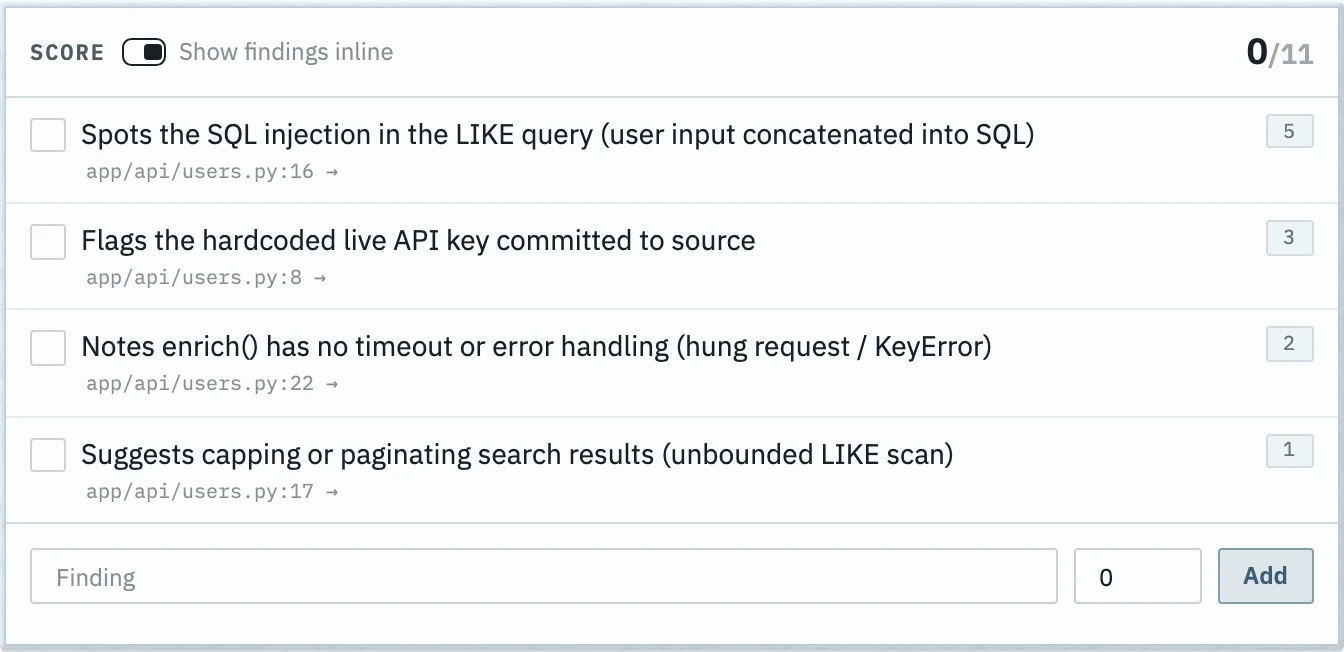
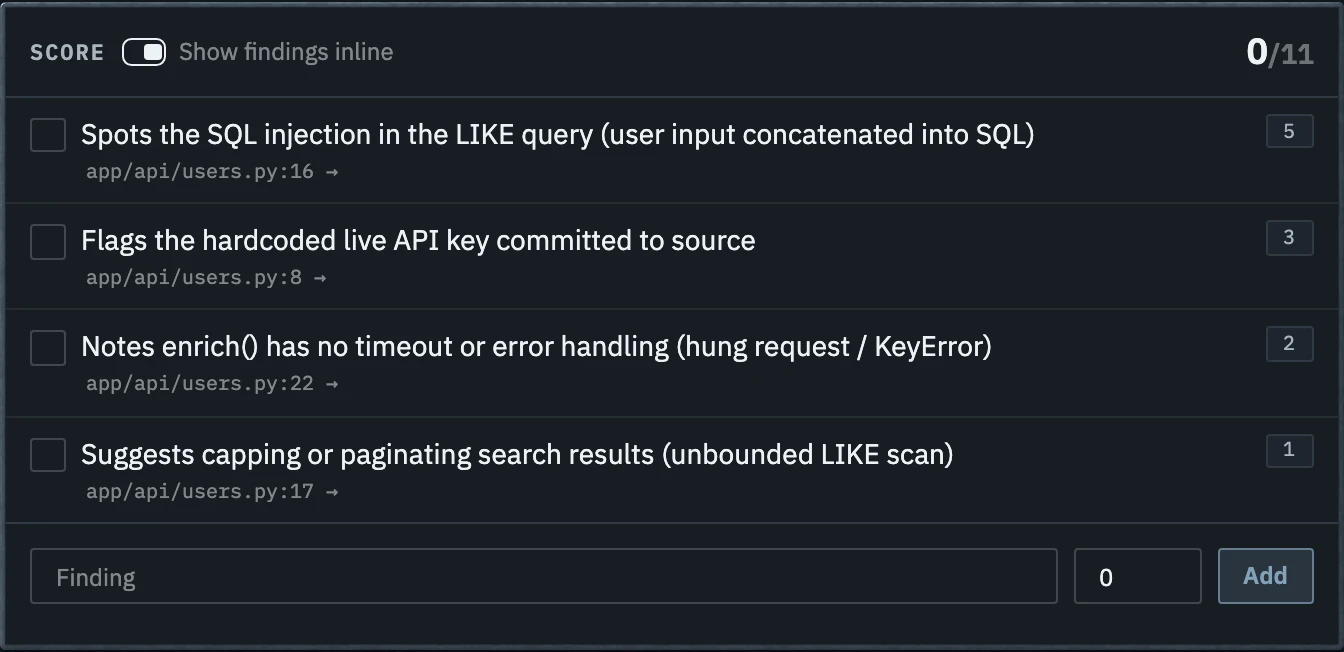
- Expected findings and private notes inline
- Candidate comments arrive live
- A findings checklist with a running score
- A read-only observer link for a colleague
- End the session, finish evaluating, archive
See how candidates reason about unfamiliar code
A review exercise can show how a candidate:
- understands unfamiliar code
- identifies bugs and risks
- separates important problems from minor preferences
- reasons about architecture and maintainability
- communicates criticism
- asks for missing context
- discusses trade-offs
Frimbim does not score candidates automatically. It gives interviewers a consistent environment and rubric for evaluating the review.
Plans
Start free. Bring your team when you're ready.
Personal
Free
One workspace, one person. The full core feature set.
- Import a git patch or PR diff
- Up to 2 active templates — archive one to free a slot
- No per-candidate charge — share as many links as you interview
Team
from €149/month
or €1,490/year
Up to 10 team members. Available now by request.
- A shared workspace for your whole hiring loop
- Team roles and access controls
- Email or link invites
- Up to 20 active templates and 5000 interview sessions
Need more than 10 seats or self-hosting? Contact us.
Practical resources
Design the interview before you run it
Use a realistic diff, decide what evidence matters, and give every candidate a comparable review environment.
Frequently asked questions
Does the candidate need an account?
No. They join through a private link and choose a display name.
Do I need to connect a repository?
No. Frimbim works from a pasted or uploaded git diff.
Can I reuse an interview exercise?
Yes. Create separate sessions from the same template.
Can candidates edit the code?
No. Frimbim is for reviewing code, not implementing changes.
Can candidates see private findings or notes?
No. Interviewer material stays private.
Can colleagues observe an interview?
Yes. Share a read-only observer link — no account needed. On the Team plan, colleagues can also get read-only seats of their own.
Can I share a workspace with my team?
Yes, on the Team plan. Up to 10 people share templates and sessions, with roles and access controls.
Turn a real code change into an interview
Import a diff and prepare a reusable template. Create an isolated candidate session without repository access, setup scripts, or cleanup.
No account required.